Learning without limits

With a high-quality curriculum and a cutting-edge platform, you can meet the needs of any learner, at any age, no matter where they are.

A platform built for you
Inspire, engage, and delight with a personalized platform and adaptable tools that create a better learning environment. One that’s consistent and easy to use—and even easier to love.

A curriculum catered to them
Our extensive catalog of K-12 online courses comes with all the support students need from start to graduation, without the usual technology learning curves.
from start to success
Give young children a head start in school with the Embark pre-kindergarten program from Stride Learning Solutions.
Engage K-5 aged kids with a curriculum that includes educational games, an interface that’s easy for them to navigate, and audio/visual immersion.

Help middle schoolers explore interests early during their foundational years. Then give high schoolers a wealth of online courses from core subjects and electives.



In-demand teachers, on demand
Highly trained and incredibly adaptable, our state certified on-demand teachers understand online learning strategies, they’re well-versed in our k-12 curriculum, and they’re always ready whenever your district needs help.

One step back. Two leaps ahead.
Don’t let the pandemic derail their learning. Our Rapid Recovery solution gives students and teachers the flexibility and support they need to recover lost ground – fast.
Collaborative, relevant learning methods ensure students get the right exposure for their next step.
Give learners the hands-on practice they’ll need for in-demand career fields.
Or build a complete career academy with our comprehensive virtual or blended career readiness program options.
Developing an online learning solution that works for your district takes the right skills and platform. Fortunately, we can help you with both.
We designed Stride Learning Solutions to help teachers develop greater proficiency and strategies for online teaching.

Making the move to the online world can seem daunting. Our implementation support makes it simple.
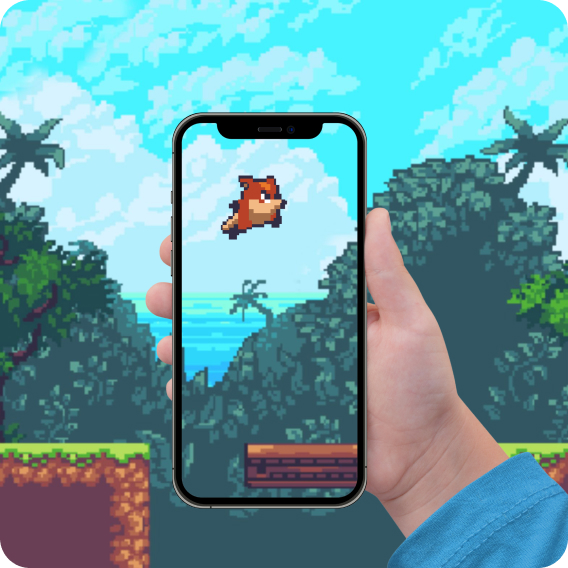
Learning through play
Turn screen time into quality time with Stride’s game-based learning tools and content, designed to spark curiosity in digital natives.
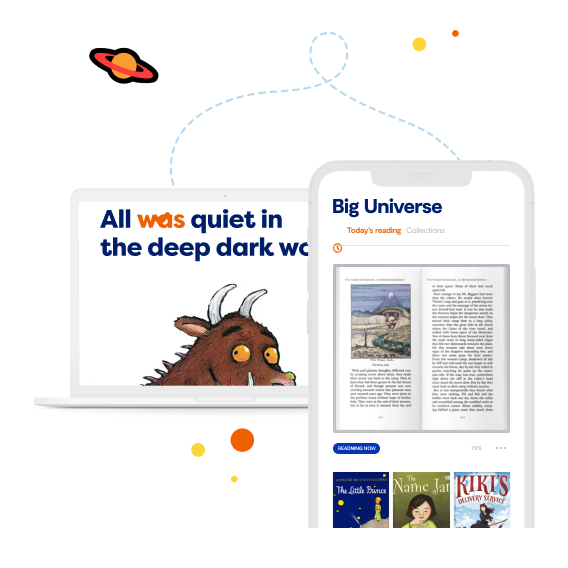
Create readers for life
Our Big Universe digital reading platform gives K-12 students the balanced literary tools and high-interest literature they need to spark a lifelong love for reading.


We just need a little bit of information and you’ll be on your way!
"*" indicates required fields
Request a Demo.